
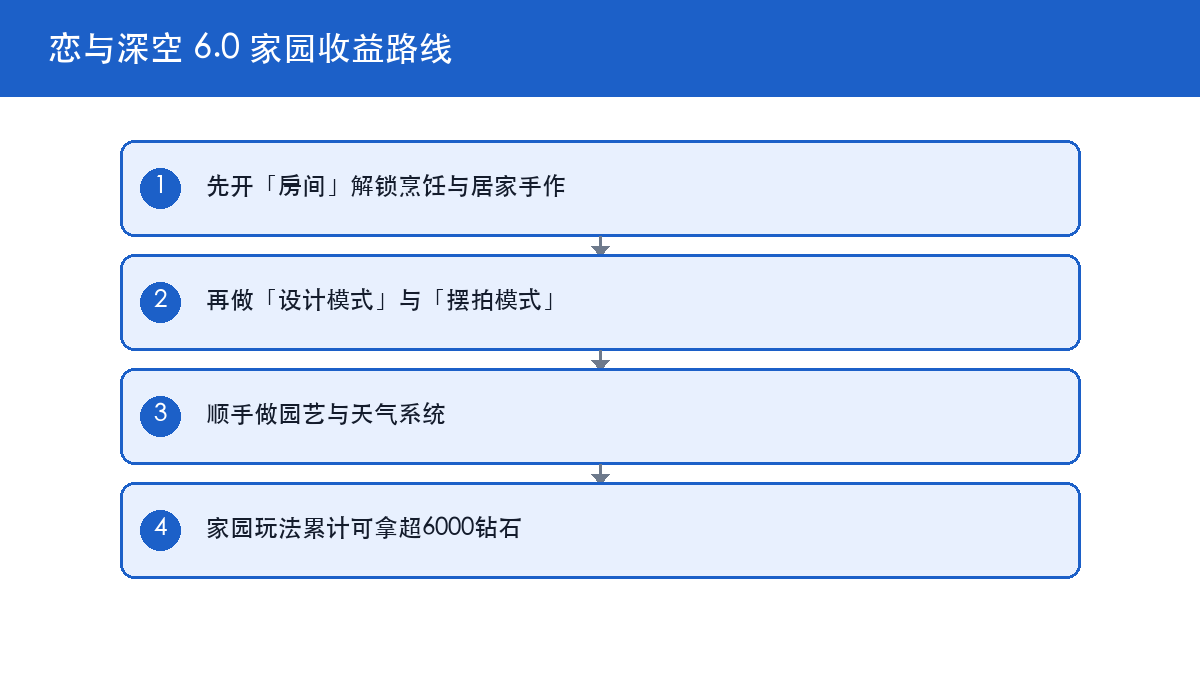
this Love and Deepspace tier list companion is about sequence, not spending. Open the Room to unlock Cooking and Handicraft, use Design Mode and Pose Mode for photos and outfits, run Gardening and Weather alongside, and finish with the upgraded With Him cap and Tete-a-Tete. The home features pay over 6,000 Diamonds in total, while exact Love and Deepspace character tier list economics depend on the in-game interface.

Love and Deepspace 6.0 Home System: Start With the Room
Version 6.0 added a new Room to the home, and Cooking and Handicraft opened with it . Those two are the main reward entry points, so unlocking the Room comes before decorating or shooting photos.
Finish the tutorial before decorating
New systems ship with a tutorial flow, and the full interaction set only unlocks once it is done. Skipping the tutorial and digging through menus mostly wastes time deciding what is already available.
The Room gates everything else
Design Mode, Pose Mode and My Mood all build on Room interactions . Space first, then placement and framing. That is the most direct cause and effect in 6.0.
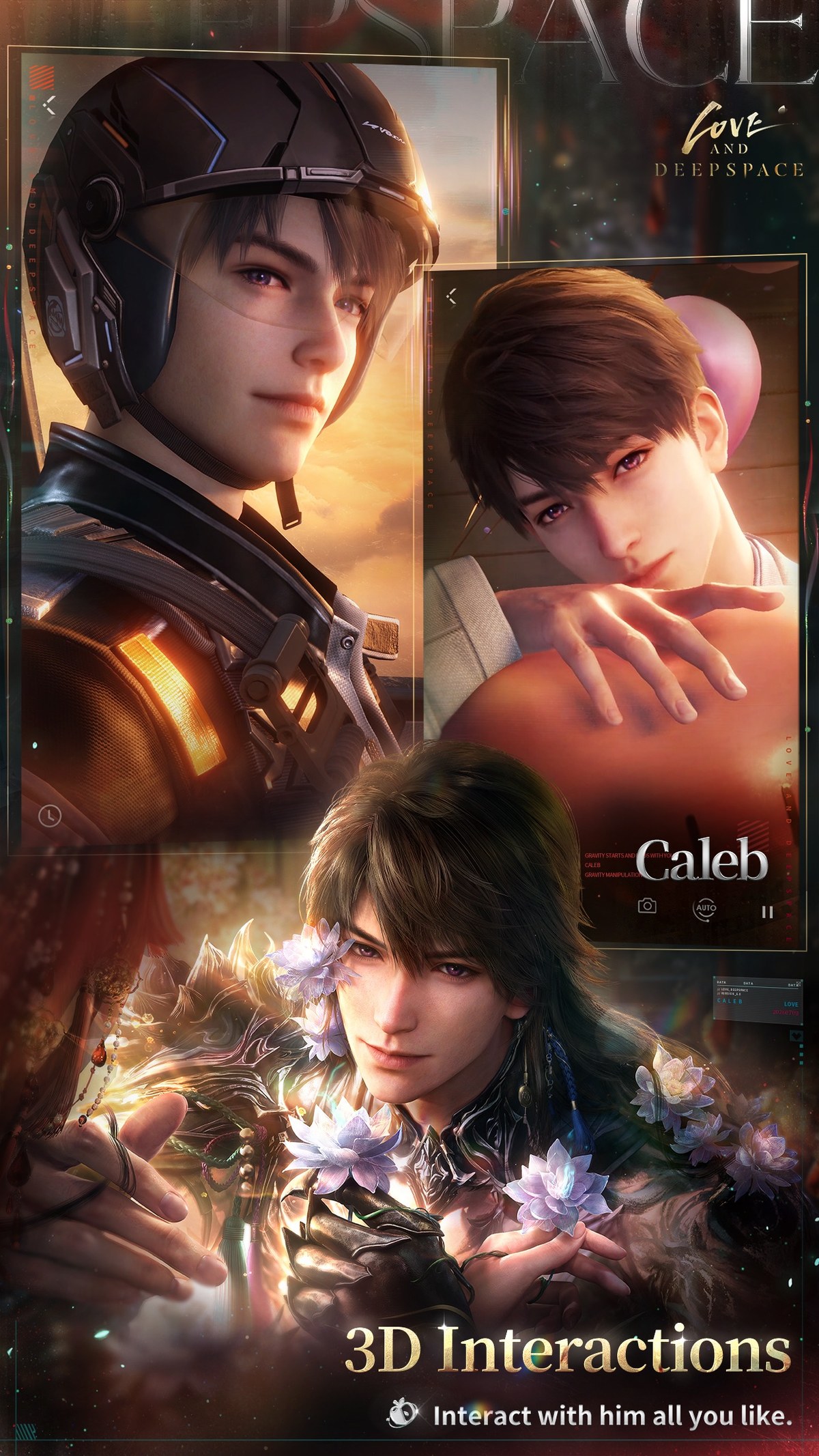
Love and Deepspace Cooking and Handicraft: The Daily Income Entry
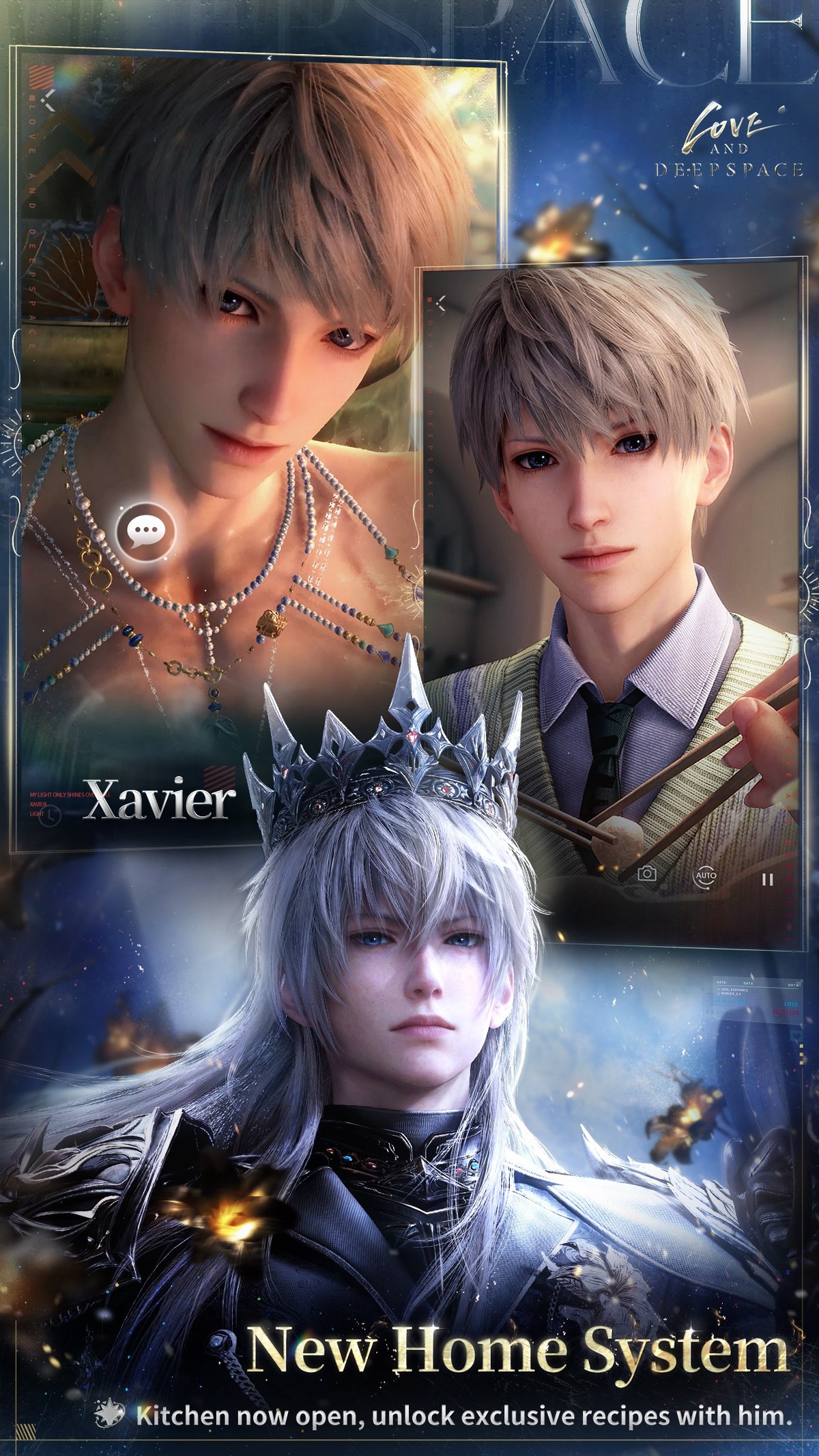
Cooking produces meals and Handicraft makes exclusive items, and both are home features you advance daily . The home features pay out more than 6,000 Diamonds in total, which spread across days is modest per session but reliable.
Do the capped work before the free-form work
Production features such as Cooking and Handicraft have defined outputs and limits, while interaction features such as photos, mood and weather do not. So the route should be: finish the capped work first, then take your time with the rest.
Why Handicraft matters
Handicraft produces exclusive items that stay on your account. Combined with the Stash feature, it makes his randomized outfits land closer to your taste .
Watch out: home rewards follow the in-game interface, and some limited rewards expire. The official site has no version field, so do not derive event windows from third-party schedules .
Love and Deepspace Design Mode and Pose Mode: Faster Photos and Outfits
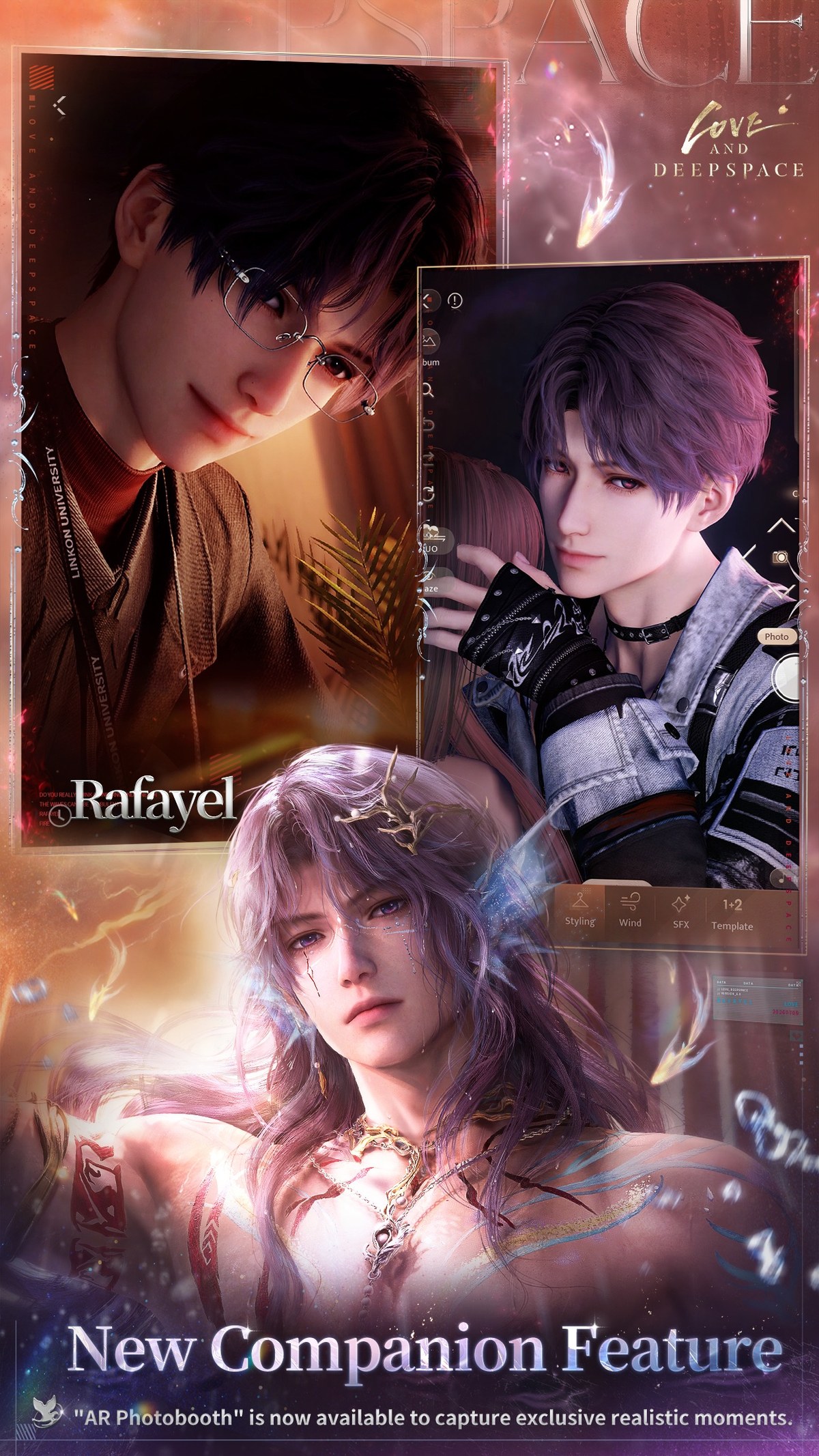
Version 6.0 added Design Mode, Pose Mode and My Mood, along with a richer Weather system and a more relaxed Gardening experience . The AR Photobooth feature also opened, and Stash went live.
Splitting the photobooth and Pose Mode
The AR Photobooth is built for real-scene shots, while Pose Mode leans on pose and composition control. Want speed, shoot with the photobooth; want control, switch to Pose Mode.
Stash fixes randomized outfits
Stash makes his randomized outfits more to your liking . The method is simple: place the pieces you want to always see into Stash, then trigger the random outfit.
Love and Deepspace With Him Cap Increase: How to Progress
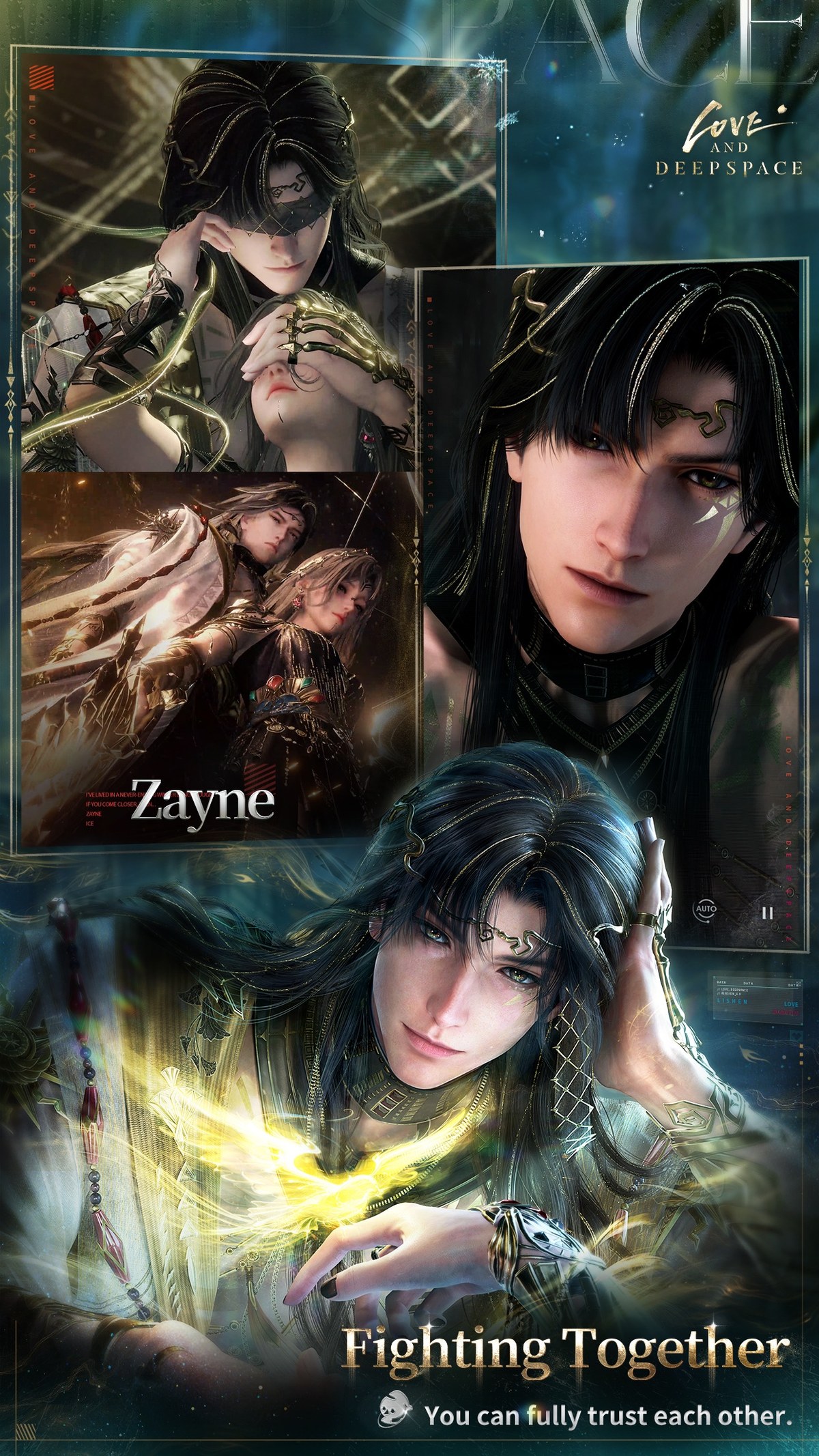
Version 6.0 raised the level cap of the With Him system and updated Tete-a-Tete content . Both are long-term systems, so a raised cap means older progress is not wasted.
Clear the one-time content first
A raised cap usually comes with new unlocks. Clear the new Tete-a-Tete responses before grinding With Him levels, because the responses are finite while the levels accumulate.
Do not rush the cap
With Him levels accrue through daily interaction, so grinding converts worse than one session per day. Placing it at the end of the daily route keeps the habit alive.
Love and Deepspace 6.0 Rewards: Free Four-Star Memory and Diamonds
The official 6.0 rewards include a free selectable four-star Memory, Wish Tickets, Diamonds, selected outfits, a dynamic photobooth background and photo poses .
| Reward | How to get it | Order |
|---|---|---|
| Selectable four-star Memory | Complete 6.0 version conditions | First, it is a choice |
| Wish Tickets and Diamonds | Play 6.0 content | Along the way, funds later pulls |
| Outfits, dynamic background, poses | Home and photobooth features | Last, cosmetic |
Choice before cosmetics
The selectable four-star Memory is a decision, while outfits are a collection. Decisions tend to expire and collections usually can be completed later, so claim the selector first.
Love and Deepspace Widgets and Lemond Surprise House
Version 6.0 added three widgets, Closer Steps, Within Words and Home Notes, and upgraded Your Cat Misses You and Photos Display . The Lemond Surprise House banner was also refreshed with returning limited rewards.
Widgets are zero-cost value
Widgets put his status on your home screen at no cost. Pick by habit rather than enabling all three.
Check the pool before spending
Returning limited rewards expand the pool, so read the current pool list before deciding how much to spend instead of pulling blind.
Love and Deepspace FAQ
Where is the 6.0 home entry and how do I start?
A: The new Room is part of the 6.0 home update; follow the in-game tutorial to unlock Cooking and Handicraft .
Does the home really pay 6,000 Diamonds?
A: The official wording is more than 6,000 Diamonds across all home features, accumulated over time rather than handed out at once .
What does Stash actually do?
A: It makes his randomized outfits more to your liking. Place the pieces you want to keep seeing into Stash, then trigger the random outfit .
Do I have to redo progress after the With Him cap increase?
A: No. The raised cap opens more content on top of existing progress, so older accounts keep their levels.
Are the returning limited rewards worth pulling?
A: Read the current pool list first. Returning limited rewards expand the pool, so checking the list beats pulling blind .
Action Checklist
- Enter the home and finish the Room tutorial to unlock Cooking and Handicraft.
- Do the capped production features first each day, then the interaction features.
- Use the AR Photobooth for quick shots and Pose Mode for composition.
- Place preferred pieces into Stash before triggering his random outfit.
- Claim the selectable four-star Memory before cosmetic rewards.
- Pick widgets by habit rather than enabling all three. Full economics breakdowns are in the GameHub guides hub.